

September 12, 2026
APPENDIX: DOCKER HANDS-ON — BUILD, RUN, BREAK, REBUILD
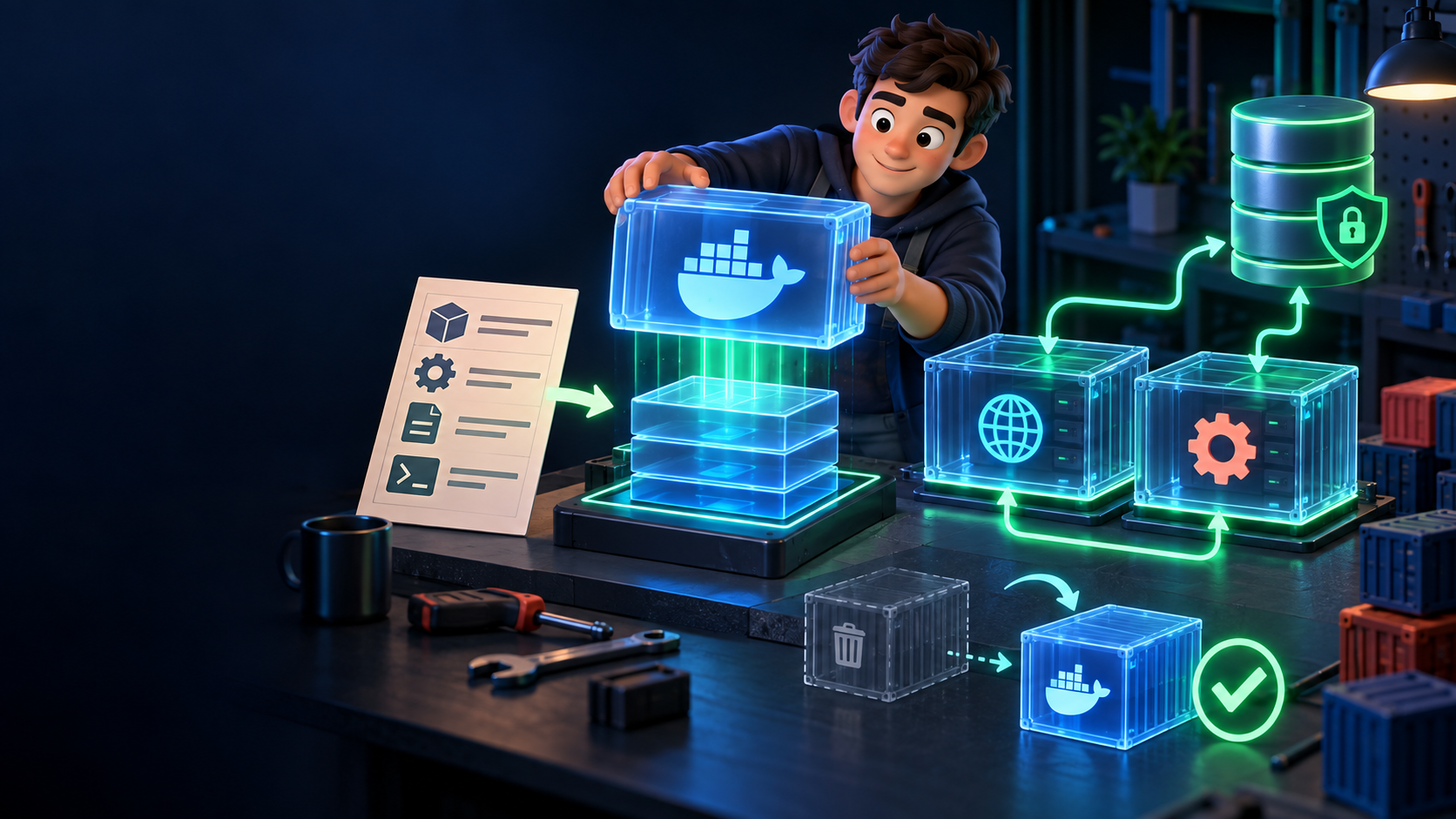
Lesson 24-05 taught what Docker is and when to use it. This appendix gets your hands dirty: one minimal service, real commands, a two-container Compose stack, and the proof that deleting a container loses nothing. Thirty minutes, on your laptop — nothing deployed, nothing billed.
Prerequisites
Docker installed (Docker Desktop on Mac/Windows, or Docker Engine on Linux). Verify with:
docker --version
docker ps
docker ps with an empty table is a perfect start — it proves the daemon answers.
Step 1 — a minimal Dockerfile
In an empty practice folder (never your real project first), create these two files.
app.js (or app.py — pick one; the Docker pattern is identical):
// app.js — listens on 3000, answers with the current time
const http = require("http");
const server = http.createServer((req, res) => {
  res.writeHead(200, { "Content-Type": "text/plain" });
  res.end("research-desk says hello: " + new Date().toISOString() + "\n");
});
server.listen(3000, () => console.log("listening on 3000"));
Dockerfile — the recipe from Lesson 24-05, now real:
FROM node:22-alpine
WORKDIR /app
COPY package.json* ./
RUN npm install --omit=dev 2>/dev/null || true
COPY . .
EXPOSE 3000
CMD ["node", "app.js"]
Read it line by line: start from a known Node runtime, set the work folder, install dependencies, copy your code, declare the port, define the start command. Everything 24-05 promised — versioned, reviewable, no folklore.
Step 2 — build, run, prove it
docker build -t hello:v1 .
docker run -d --name hello1 -p 3000:3000 hello:v1
docker ps
docker logs hello1
curl localhost:3000
What each proves: build seals the image; run -d starts one detached container from it; ps shows it alive; logs shows its stdout ("listening on 3000"); curl proves the app answers through the published port. Change app.js, rebuild as hello:v2, run it beside v1 on another port — two identical-but-separate copies, the isolation from 24-05 made visible.
Now the disposable proof:
docker stop hello1
docker rm hello1
docker images
The container is gone; the image hello:v1 remains, ready to launch again. Anything you wrote *inside* the container is gone with it — which is exactly why Lesson 24-05 forbids durable state inside containers.
Step 3 — two services with one command (Compose)
Real products are rarely one box. Create compose.yaml in the same folder:
services:
  web:
    build: .
    ports:
      - "3000:3000"
    environment:
      - DATABASE_URL=${DATABASE_URL:?set-me-in-env}
    restart: unless-stopped
  worker:
    build: .
    command: ["node", "worker.js"]
    environment:
      - DATABASE_URL=${DATABASE_URL:?set-me-in-env}
    restart: unless-stopped
Notes that matter: both services build from the same recipe (change the worker command to match your real worker); secrets come from the shell environment (${...} fails loudly if unset — never baked into the image); restart: unless-stopped is the reboot-recovery from Lesson 24-02 in one line. The database itself stays *outside* Compose here — managed Postgres per Lesson 20-03, reached via DATABASE_URL. For pure-local practice, a throwaway database container is acceptable; production data never lives in one.
Run it:
DATABASE_URL=postgres://practice/practice docker compose up -d
docker compose ps
docker compose logs --tail=30
docker compose down
up -d starts the stack; ps shows both boxes; logs reads them together; down stops everything. The database rows (in your external or practice DB) survive down — containers stopped, data kept. That sentence is the whole lesson.
Practical exercise
Extend this stack toward your real service (still local, still practice data):
1. Write the CONTAINER-PLAN.md from Lesson 24-05 for your web *or* worker (not both yet). 2. Build, run, curl it, read its logs. 3. Delete the container, relaunch from the same image, confirm the app answers and the data survived outside it. 4. Add the second service to compose.yaml only after step 3 passes.
Finish line: image + running container + logs + delete-and-relaunch proof + two-service Compose file, all local, all with practice data.
Verify: docker images lists your tag; curl answers; after rm + relaunch, the same curl answers and no practice row is lost. If any step needs production keys or real user data, stop — the exercise stays on fixtures.
Common failure mode: port already in use (3000 taken by another app). Recovery: docker ps to find the squatter, stop it, or map -p 3001:3000 and curl the new port. Second most common: secret baked into the Dockerfile (ENV DATABASE_URL=postgres://real…). Recovery: delete that line, pass it at run time, rebuild — and rotate the exposed credential.
Check your understanding
1. What survives docker rm, and what does not — and where does each live? 2. Why does the Compose file reference DATABASE_URL instead of containing it? 3. What does docker logs prove that "it built successfully" does not? 4. When would you still skip Docker after doing this exercise (recall the 24-05 selection rule)?
ARTICLE DISCUSSION
JOIN THE
CONVERSATION.
Got a question, a take, or a better way to do this? Log in and leave a comment.