

September 13, 2026
LIVE AVATAR AND VIDEO-AGENT LAB: A REAL-TIME PERSONA ON CAMERA
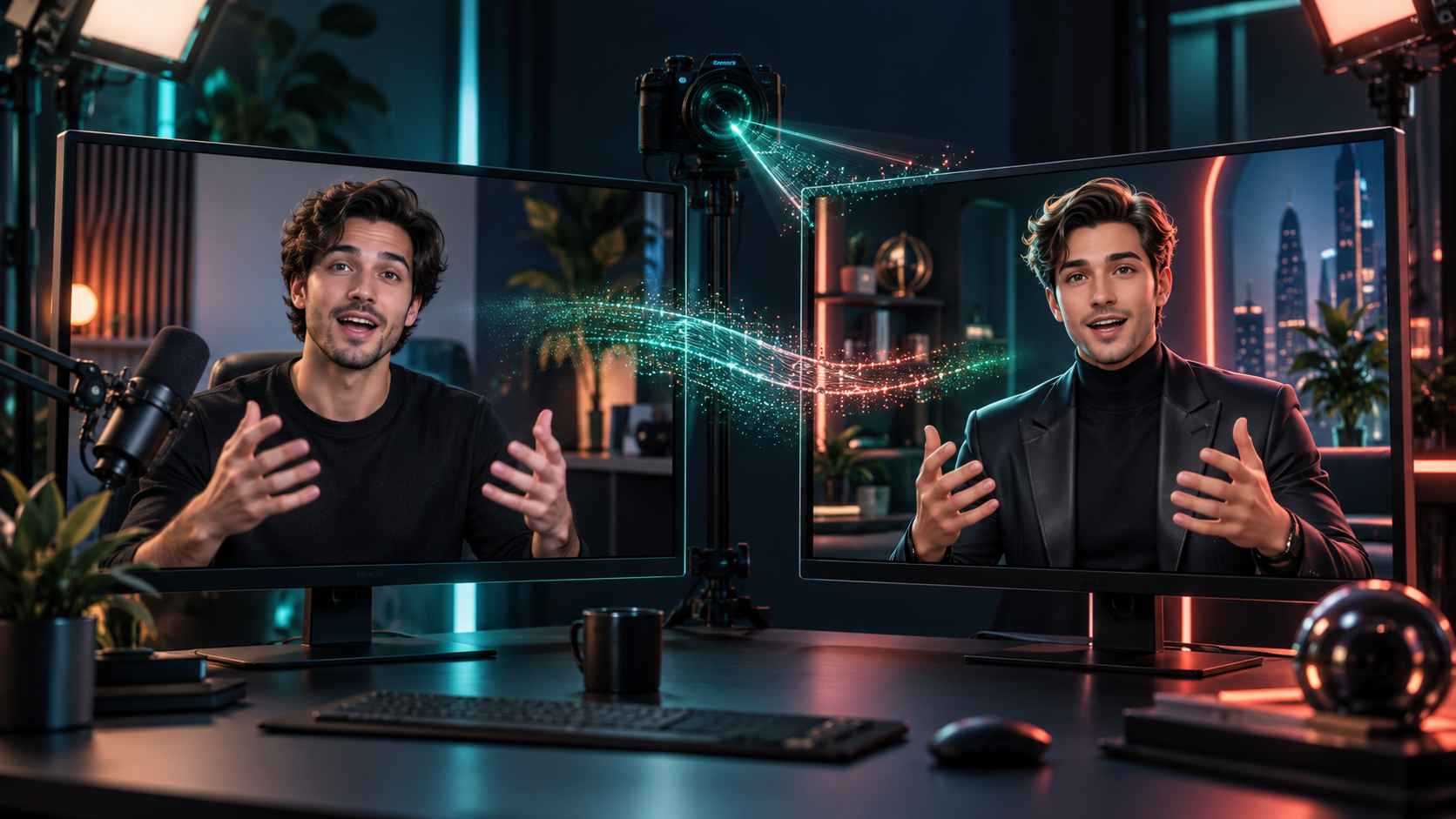
Appendix 61.A rendered a polished video from a script. This lab goes live: a persona that moves, speaks, and responds in real time. Students constantly mix together three different experiences — this lab separates them, then gives you a hands-on path for each of the live two.
By the end of this lab, you hold a short live-avatar demonstration clip and (for the agent branch) a test-room video agent that handles one defined conversation, hands off cleanly, and preserves a transcript.
Three experiences, three toolboxes
| Experience | What is happening | Strong current starting points |
|---|---|---|
| Live camera avatar | The creator is live in a meeting or stream, but a chosen digital persona appears on screen and moves/lip-syncs in real time | Akool Live Camera |
| Website/app video agent | A visitor talks to an AI agent; a real-time avatar listens, responds, and can use a knowledge base and tools | Tavus CVI, HeyGen Live Avatar, D-ID Agents |
| Produced avatar video | A script is rendered into a polished, non-live video for training, marketing, or lessons | HeyGen, Synthesia, Captions |
Choose correctly up front. Akool Live Camera is the direct starting point for a live camera replacement or avatar persona in video calls and streams. HeyGen is useful when the desired result is a durable digital twin plus generated and real-time avatar capability. Tavus and D-ID are the better branch when the avatar needs to converse with visitors as a website agent rather than mirror a live human performer. Appendix 61.A already covered the produced row; this lab works the first two.
Branch 1: the side-by-side digital-twin demonstration
The striking real-time format: the side-by-side digital twin. A real person appears in one window while their live avatar, alternate character, or different on-screen persona appears in another. Both move and speak at the same moment. This is no longer a slow render-and-wait trick — the system follows the person's live facial movement, head motion, expression, and voice, then sends the avatar result to a virtual camera or browser video surface.
The plain-language technical chain:
webcam + microphone
  → live face / body / expression tracking
  → selected digital twin, character, or persona
  → real-time lip sync + motion rendering
  → virtual camera / browser video output
  → Zoom, Meet, livestream, recording, or side-by-side demonstration
Why it matters creatively: a founder can stage a memorable "human beside digital self" product demo; a creator can host a show through a recurring character; a teacher can let an avatar argue one side of a concept; an entertainer can perform through a designed persona; an event presenter can appear inside a stylized world with no studio.
Workshop add-on — the 20-second demo: record the real presenter and the live avatar or persona together, side by side. Use one simple spoken line, one clear gesture, and one intentional camera framing. Review sync (lips match sound), expression (the persona actually follows your face), visual consistency (lighting and framing match across windows), audio delay, and — hardest of all — whether the scene is genuinely interesting rather than merely technically impressive. Finish-line add-on: a short live-avatar demonstration clip plus the chosen avatar/persona brief, a virtual-camera setup note, and a written decision about where this format would strengthen a real project.
Branch 2: the conversational video agent
A video agent is a different machine wearing a face. Make the architecture visible:
visitor voice / text
  → speech recognition + conversation UI
  → LLM / agent instructions + approved knowledge
  → optional tools (calendar, product catalog, support system)
  → response text + speech
  → real-time avatar rendering in the browser
  → transcript, handoff, and review log
Connect this directly to Part VIII: the avatar is not the agent. It is the visible, audible front end. The agent needs a purpose, instructions, approved knowledge, tools, limits, handoff rules, and conversation logs whether it has a face or not. A beautiful persona over a confused agent is a worse experience than plain text over a competent one.
Practical use cases that actually justify a face: a course guide answering questions about one class; a product demo guide; a website concierge pointing visitors to the right page; appointment triage; onboarding or training role-play; a live digital host inside a meeting or stream.
Workshop path: select one bounded use case. Write the agent's job and stop condition ("answers questions about Class 61 enrollment, hands off anything else"). Prepare a small approved knowledge file — one page, sourced, dated. Choose a stock, custom, or designed avatar. Write the greeting and three example conversations. Connect or simulate the agent response. Then test: ten normal questions plus five "I do not know / hand off" cases. Review latency, answer quality, avatar realism, the transcript, and the human handoff. Include the success test: the avatar should make a useful conversation more comfortable or understandable — if it makes the workflow slower, more confusing, or less trustworthy than chat, text, or plain video, use the simpler interface. Simpler wins.
Check your work
- [ ] Correct branch chosen (Akool Live Camera for live persona; Tavus CVI, HeyGen Live Avatar, or D-ID Agents for conversational agent; HeyGen, Synthesia, Captions for produced video).
- [ ] Side-by-side demo: one line, one gesture, sync/expression/consistency/delay reviewed; setup note and placement decision written.
- [ ] Agent: one bounded use case, job plus stop condition, approved knowledge file, greeting plus three example conversations.
- [ ] Fifteen tests logged (10 normal + 5 handoff); latency, quality, transcript, and handoff reviewed.
- [ ] Success test answered honestly: face helps, or simpler wins.
Common failure mode: the face-first build — persona selected, knowledge unwritten, handoff untested, and the demo "works" only while the builder watches. If a stranger's fifth question breaks it with no handoff, it is not finished. Bound the job, write the knowledge, test the exits.
The finish line
You are done when you hold: a short live-avatar demonstration clip with persona brief and virtual-camera setup note, and/or an embedded or test-room live avatar agent (Tavus CVI, HeyGen Live Avatar, or D-ID Agents) that handles one defined conversation, hands off cleanly, and preserves a transcript for improvement — plus an honest verdict on where each format earns its place.
Class 62 assembles everything: from one idea to a complete media package with a brief, a pipeline, and a review gate.
ARTICLE DISCUSSION
JOIN THE
CONVERSATION.
Got a question, a take, or a better way to do this? Log in and leave a comment.