

September 9, 2026
HOW TO CREATE MEMORY FOR YOUR AIS WITH MD FILES
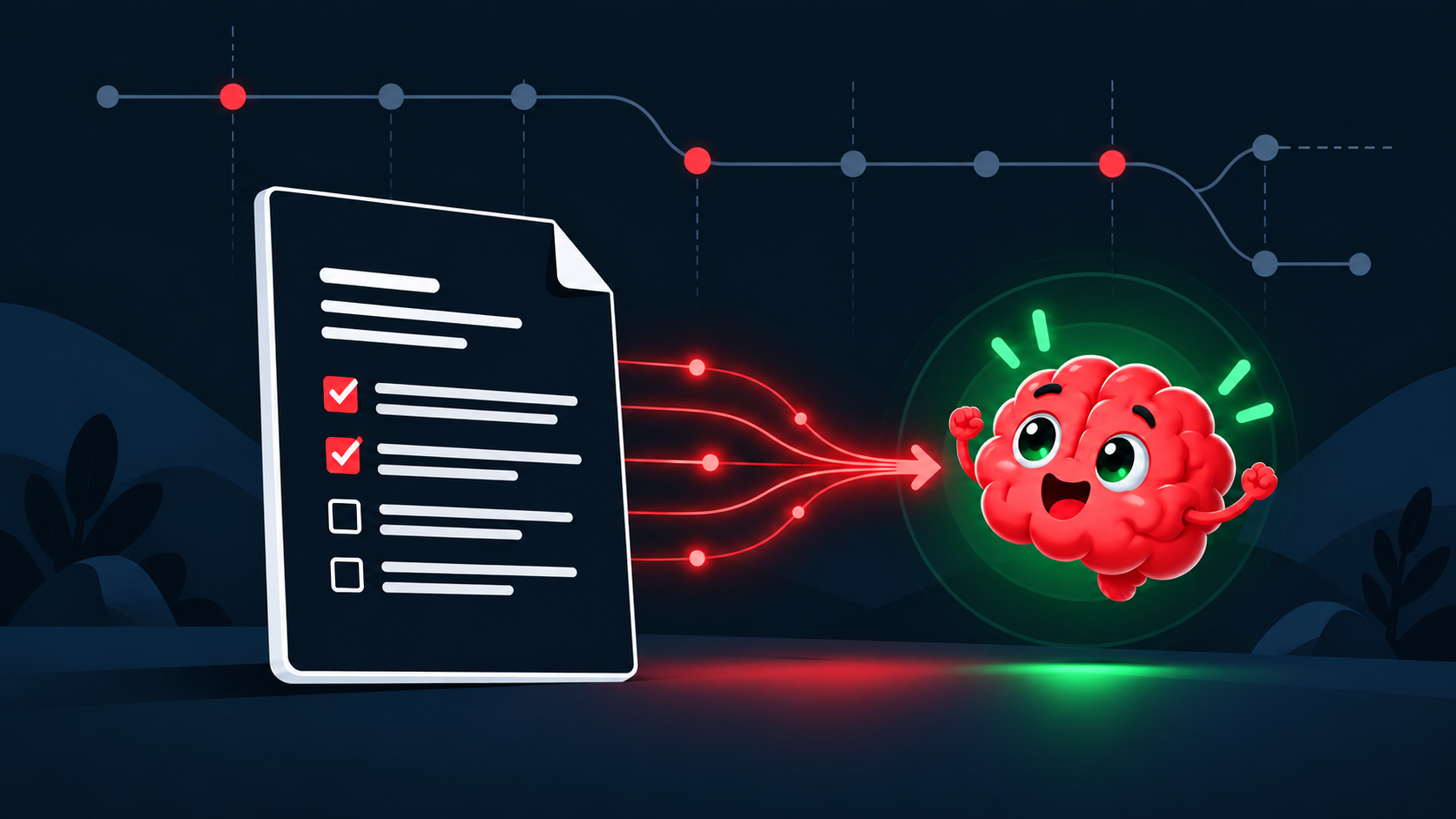
Your AI does not remember your project the way you do. A new chat does not know the decisions you made, the people you are building for, the constraints that matter, or the path you already rejected. A simple file called MEMORY.md can hold that context.
FIRST: WHAT IS AN MD FILE?
An .md file is a plain-text file that uses Markdown: a simple way to add structure without needing a special document format.
You write a heading with #, a list with -, a link with [words](https://example.com), and a checklist with - [ ]. The important part is not the formatting. It is that the file is small, readable, portable, and useful to people and AI alike.
HOW TO CREATE AND EDIT ONE
You have several good options on Mac and Windows. Pick the one that lets you begin today.
- VS Code is free and excellent for projects. Its Markdown preview lets you write on one side and see the formatted document on the other.
- Typora is paid, but it is one of the nicest Markdown writing experiences. It feels like a normal writing app while keeping the simple file underneath.
- GitHub is free in the browser. Create a repository, add MEMORY.md, and GitHub displays it as a clean document. Edit with the pencil button—no software needed.
- A CLI is a text-based way to work with your computer. It can create, update, search, and organize Markdown quickly. Codex can help set it up and do the work with you.
YOUR FIRST FILE IN TWO MINUTES
The easiest no-install route is GitHub: create a free account, create a repository for the project, choose Add file → Create new file, name it MEMORY.md, paste the template below, and click Commit changes.
You now have one readable file, a record of every change, and a place an AI can use as project context.
# Project Memory

## Purpose
What are we building, and why does it exist?

## Audience
Who is this for? What problem are they trying to solve?

## Decisions already made
- We chose X because...
- We are not doing Y because...

## Rules and constraints
- Keep the tone direct.
- The main goal is...

## Current state
What works today? What is unfinished?

## Next actions
- [ ] Do this next
- [ ] Then do this

## Open questions
What still needs a decision?
THE HABIT THAT MAKES IT WORK
The file only becomes memory if you use it. At the beginning of a new chat, say: “Read MEMORY.md before you start.” At the end of a useful work session, say: “Update MEMORY.md with the decisions, current state, and next actions from this session.”
Keep it concise. A useful memory file is not a transcript of every conversation. It is a maintained map of the project.
IF YOU ARE CODING FROM A CLI
When you work with Codex, Claude Code, or another AI from a CLI, you will eventually stop in the middle of a project. Use three small files instead of one giant document.
- MEMORY.md — the durable project brief: purpose, rules, decisions, and current state.
- RESTART.md — the exact instruction an AI should follow when you resume work.
- HISTORY.md — a short running handoff: what changed, where the work stopped, and the next concrete action.
# Restart Prompt

Read MEMORY.md first. Then read the newest entries in HISTORY.md.
Inspect the files named there before making changes.
Tell me your understanding of the current state, then continue from the next action.
When the work is complete, update HISTORY.md and MEMORY.md.MARKDOWN GIVES AGENTS A SHARED BRAIN
An AI agent is not just a chat window. It can inspect files, follow instructions, make changes, run checks, and hand work to another agent. That only works well when the project has written context.
AGENTS.md contains project rules and commands. MEMORY.md contains the lasting context. HISTORY.md tells the next agent where work stopped. SKILL.md holds a repeatable playbook for a specific job.
A MARKDOWN FILE CAN BE THE PROMPT—AND A SKILL
Save a useful prompt in a Markdown file and it becomes reusable, editable, and shareable. When you give that prompt a clear repeatable job, it becomes a skill: a playbook with a goal, steps, examples, rules, and a defined output.
# Skill: Turn a Voice Note Into a Blog Post

## Goal
Turn the supplied voice-note transcript into a clear ByeBuy blog draft.

## Process
1. Read the transcript and project memory.
2. Find the main idea and practical takeaway.
3. Draft a headline, structure, and concise post.
4. Do not invent facts or publish without approval.

## Output
Return a Markdown draft with a title, sections, and next step.WHY THIS IS BETTER THAN NOTION FOR AI MEMORY
Notion is useful for operating a business: shared databases, dashboards, calendars, content systems, and team-facing operations. Many people connect it to n8n, Telegram, WhatsApp, Discord, and other tools for communication workflows.
But for AI project memory, Markdown is better. An AI needs a compact, direct project brief it can read alongside the work. Markdown is portable, versioned, and easy to hand to any AI. Use Notion to organize the business. Use Markdown to brief the AI building it.
WHY GIT AND GITHUB MAKE IT STRONGER
Git is the version-history system: it remembers each saved change to a project. GitHub is the browser-based home where you can store that Git history, view Markdown beautifully, edit files, and share them with other people or tools.
GitHub’s free plan is enough to begin. If you need more later, paid plans can expand the system with automation capacity, storage, collaboration controls, cloud workspaces, and optional AI tools.
FROM FILES TO AUTOMATION
Once your project memory lives in GitHub, it can become the source of truth for n8n automation. A change to MEMORY.md could ask an AI to summarize the change and send it to Telegram, Discord, Slack, email, or another tool your team uses.
A low-cost VPS is a rented server that stays online. A Mac mini at home can do the same job if you want local control. Either can eventually run n8n, bots, scheduled jobs, webhooks, and AI agents. The Markdown repository remains the portable memory they read.
A QUICK MAP OF MARKDOWN USE CASES
This is where one small file can grow into a useful system.
- AI memory — a concise project brief with purpose, decisions, rules, and current state.
- AI instruction files — project rules and commands, such as AGENTS.md.
- Reusable prompts and skills — repeatable playbooks with goals, steps, examples, rules, and output.
- Agent handoffs and restart prompts — what changed, what remains unresolved, and the exact next action.
- Runbooks and SOPs — a runbook is a step-by-step guide for a situation; an SOP is the agreed repeatable way a business performs a routine task.
- Decision records, product specs, readmes, and documentation — the durable explanation of what you chose and how something works.
- Websites, lessons, books, guides, research notes, and content pipelines — write once, then publish or repurpose.
- Personal and AI knowledge bases — portable collections of linked reference notes.
- Automation context — a source of truth that n8n, bots, scheduled jobs, and AI workflows can read before they act.
START SMALL, THEN GROW
Today, create one folder for an active project. Add MEMORY.md. Give it five headings: Purpose, Audience, Decisions, Current State, and Next Actions. Then ask your AI to read it before the next task.
Later, when you need it, that same file can support GitHub, CLI work, agents, n8n automation, Telegram, Discord, a low-cost VPS, or a Mac mini at home. That is how you stop starting from zero—and start building a system that remembers.
ARTICLE DISCUSSION
JOIN THE
CONVERSATION.
Got a question, a take, or a better way to do this? Log in and leave a comment.