

September 13, 2026
AI AVATARS: A REUSABLE PRESENTER FOR TEACHING, SALES, SUPPORT, AND CREATOR MEDIA
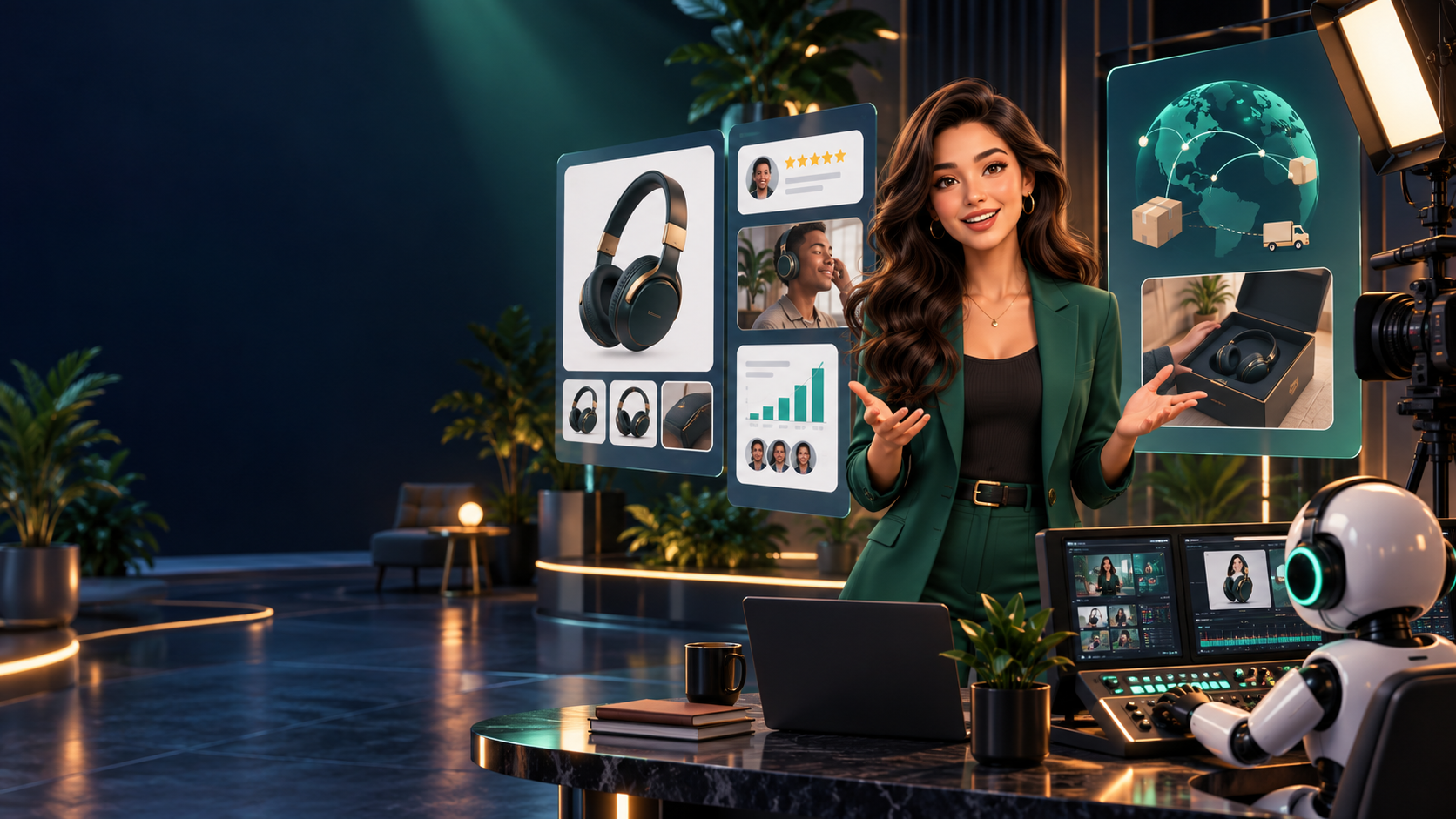
You can now write, voice, clean, and score a short piece. One cost remains: the human on camera. Re-recording every update, every language, every small correction with a real presenter is slow. An AI avatar — a generated or digital presenter that delivers a script with a selected, custom, or creator-based likeness and voice — offers a reusable presenter layer. Used honestly, it multiplies a good script. Used lazily, it multiplies generic content.
By the end of this lesson, you can plan a 30–60 second avatar-led video in an AVATAR-VIDEO-BRIEF.md where the avatar serves the message rather than becoming it.
What an avatar is — and four things it is not
An AI avatar is a controllable on-screen presenter: it speaks your approved script, in your chosen voice and language, inside your visual system. Distinguish it from its neighbors:
| Format | What it is | When to use it instead |
|---|---|---|
| Cinematic generated character | A fictional being inside a story world (Class 59–60 territory) | The character *is* the content, not its presenter |
| Real filmed host | A human performing on camera with full nuance | Trust, comedy, emotion, or presence is the whole point |
| Chatbot (text/voice, no face) | A conversational agent without a visible persona | Speed and utility beat human-like delivery (see Appendix 61.B) |
| Real-time interactive avatar | A live persona that listens and responds (Appendix 61.B) | The viewer talks back and expects answers |
The avatar of this lesson is the middle path: a scripted presenter for repeatable videos. It does not improvise, it does not converse — it delivers.
Where avatars earn their keep
Avatars are strongest where presentation repeats: product explainers, course lessons, onboarding sequences, internal training, sales follow-ups, multilingual versions, support walkthroughs, founder updates, and faceless creator channels that still benefit from a consistent human-like host. The pattern across all of them: the script structure is stable, the details change often, and filming every version would kill the schedule.
A course lesson updated quarterly, a changelog read by a familiar founder-face in six languages, a support library of forty walkthroughs with one consistent guide — these are avatar-native projects.
The honest frame: the avatar is the presenter layer
Say this plainly before spending anything: the avatar is the presenter layer. The value still comes from the script, product knowledge, visual proof, B-roll, editing, and the viewer's reason to care. An avatar reading generic text over generic backgrounds is not a finished video — it is a screensaver with subtitles.
Every avatar video must still earn attention the un-automated way: one clear message, real evidence on screen, pacing that respects the viewer. If the script from Lesson 61.1 is weak and the proof is missing, no presenter — synthetic or human — saves it.
The four choices
| Choice | Best when | Creative advantage |
|---|---|---|
| Stock / avatar-library presenter | The project needs a professional neutral host quickly | Fast production with no filming day |
| Personal avatar | The creator or founder wants a repeatable presence without recording every version | Consistent personal delivery across updates and languages |
| Designed character / avatar | The channel has an original fictional or branded world | Strong recurring identity and visual system |
| Real filmed presenter | Presence, nuance, trust, or performance is the whole point | The most direct human connection |
Choose stock for speed, personal for repeatable identity (with the Lesson 61.2 consent discipline — a personal avatar needs the same written scope), designed for brand worlds, filmed when the human *is* the message.
The current environments (refreshable category)
Treat avatar tooling as a refreshable category, not a fixed recommendation: HeyGen, Synthesia, and Captions are current examples of surfaces that combine script-to-video, avatar and presenter work, voice, captions, localization, and media editing. Interfaces and plan limits change quickly — the workflow below survives those changes; exact click paths belong in Appendix 61.A, which should be refreshed when the lab is run.
The structure: hook, one thought, proof, return, close
Never leave one talking head on screen for an entire short. Run this structure:
first-frame hook → avatar delivers ONE clear thought
  → cut to B-roll / product screen / diagram / source evidence
  → avatar returns ONLY when helpful → concise close + action
Cut away from the avatar whenever the viewer should be looking at the thing being explained. The best avatar video is often part presenter, part proof, part visual story.
Two examples. Founder avatar plus proof: a founder's personal avatar opens — "Here's the one workflow our users asked for" — then the video cuts to a real screen recording of that workflow, with the avatar returning only to close on the next action. The screen carries the claim; the face carries the relationship. Multilingual classroom presenter: one presenter introduces a concept while diagrams and examples carry the lesson, then the same lesson ships in three languages with fluent-reviewer sign-off (Lesson 61.2's chain), the visuals unchanged.
Build it: the AVATAR-VIDEO-BRIEF.md
Your exercise: plan a 30–60 second presenter-led video:
AVATAR-VIDEO-BRIEF.md — [video title] — 0:30–1:00

INTENDED VIEWER: [who, and why they press play]
AVATAR TYPE: [stock / personal / designed / filmed + why this choice]
ONE MESSAGE: [the single sentence the viewer can repeat back]
PROOF / B-ROLL: [screen recording, diagram, photo, source — what the viewer SEES while the claim plays]
VOICE + LANGUAGE: [voice source + languages + fluent reviewer per language]
VISUAL SYSTEM: [background, layout, brand elements, caption style]
CAPTION PLAN: [burned-in vs. sidecar; proofread pass named]
FINAL ACTION: [one thing the viewer does next]
REVIEW OWNER: [named person who approves script, likeness use, and final cut]
Worked miniature: a 45-second onboarding video. Viewer: new trial users. Avatar: stock presenter (speed; no personal brand needed). One message: "Connect one data source and see your first result in two minutes." Proof: real screen recording of the connection flow. Voice: licensed synthetic, English first, Spanish variant with fluent review. Close: "Connect yours now — link below." Owner: the course lead signs off on script and cut.
Check your understanding
1. Name the four avatar choices and the situation each fits best. 2. Why is "cut away to proof" a rule rather than a suggestion? 3. Your avatar video needs a Spanish version. List the three steps before publishing.
Common failure mode: the wallpaper presenter — sixty seconds of unbroken talking head over a stock background, no proof, no cutaway, no reason to watch instead of read. If your brief's proof line is empty, you don't have a video yet. Shoot or capture the evidence first.
The finish line
You are done when you hold an AVATAR-VIDEO-BRIEF.md where the avatar demonstrably serves the message: one viewer, one message, named proof, voice and caption plan, one action, one review owner.
Appendices 61.A and 61.B go hands-on: first the produced-avatar lab with HeyGen, Synthesia, and Captions; then the live-avatar and video-agent lab with Akool Live Camera, Tavus CVI, HeyGen Live Avatar, and D-ID Agents.
ARTICLE DISCUSSION
JOIN THE
CONVERSATION.
Got a question, a take, or a better way to do this? Log in and leave a comment.