

September 13, 2026
HIGGSFIELD PRODUCTION LAB: GENERATE, SELECT, EDIT, AND EXPORT YOUR FIRST SHORT
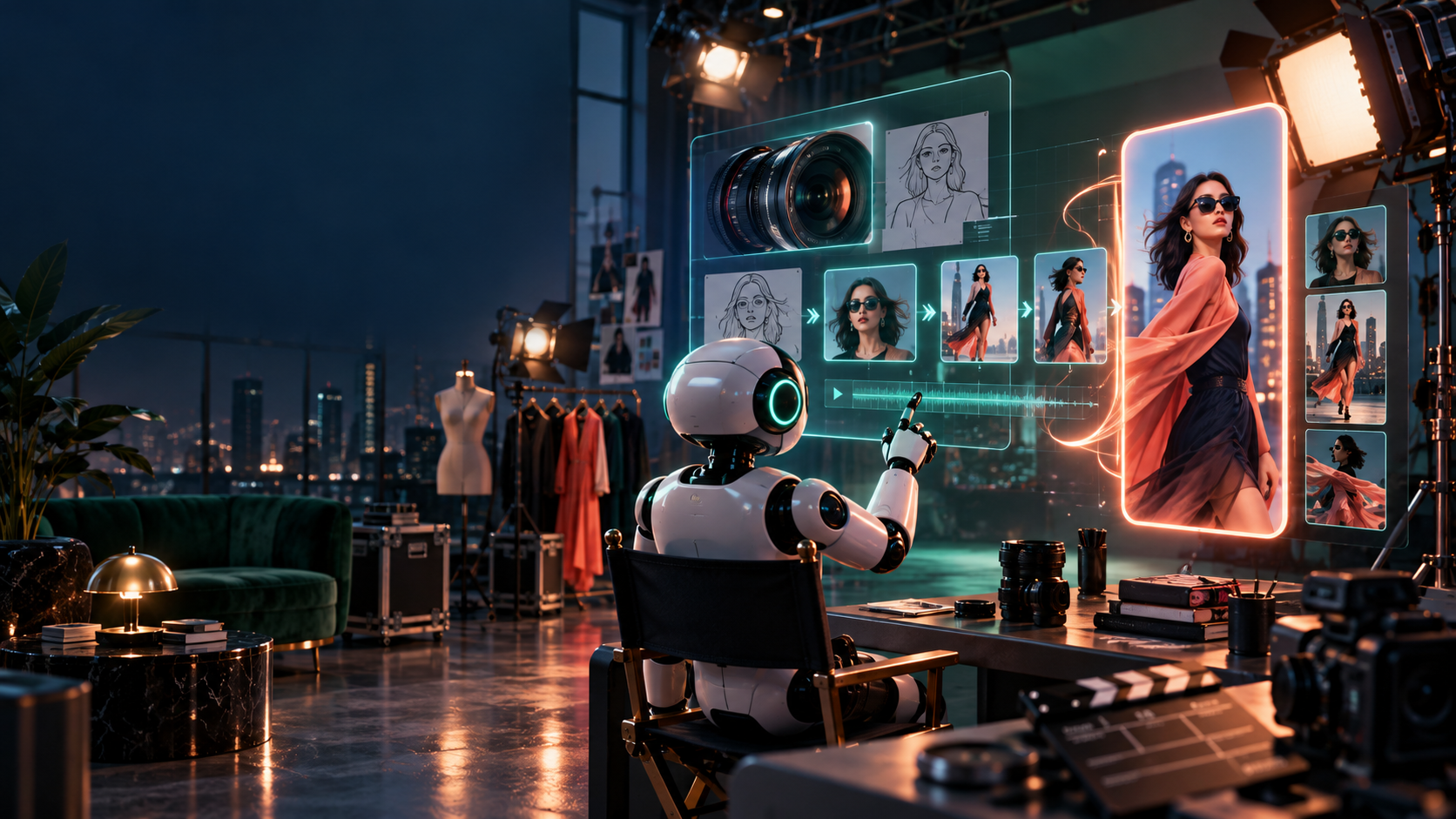
A tool-specific workshop: from a planned brief to a finished vertical export inside a current Higgsfield workflow. Durable sequence first, buttons second — recheck the interface, surface names, and pricing at lab time via official pages.
Prerequisites
- 59.1
VIDEO-BRIEF.mdand 59.2 shot list (3–5 shots, 20–30s, hook → proof → meaning → CTA). - One approved reference or product image if using image-to-video.
- Desired format (9:16), duration, and publishing destination decided in advance.
- A 59.A test card opened, so every setting, cost, and output is logged as you go.
Workshop path
1. Open the project; pick the surface for shot one. Choose the appropriate current generation surface (image/cinematic still, storyboard/keyframe, or video) for the first shot only — not the whole campaign. 2. Add the direction. Subject, action, scene, intended camera move, pacing, visual references, format, and must-preserve facts from CONTINUITY.md. One camera move per shot. 3. Generate short options for one shot. Save inputs, label attempts (higgs-shot01_v1.mp4), keep generations to a few seconds each. 4. Inspect. Composition, motion, identity/product consistency, accidental text, defects — and the only question that counts: does this shot serve its beat? 5. Select a winner; revise with constraint. One constrained re-generation if needed, not ten new ideas. 6. Build shots two and three from the approved visual system, using reference/keyframe controls where available to hold continuity. 7. Edit. Bring selects into a timeline — inside Higgsfield if its current editing tools fit, otherwise a dedicated editor (CapCut, Premiere Pro, Final Cut, DaVinci Resolve, or current equivalent). Trim, order, add narration/audio, hand-corrected captions, on-screen text, one CTA end card. Transitions only where they clarify a change. 8. Export and phone-check. Clean 9:16 master plus platform delivery version. Watch on a phone, sound off then on, before publishing.
Generation creates raw footage; editing creates the message.
Visual checklist (before you publish)
- First frame makes sense with sound off.
- Central subject clear of platform UI bands.
- Every caption readable, correctly timed, claims verified.
- Narration matches the visible proof.
- End gives exactly one next step.
- Export is correctly vertical, clean, correctly exposed on a phone screen.
Common failure modes
- Vague idea instead of a shot; 30-second story attempted in one generation.
- Drifting product/character details between shots.
- Text burned into the generation instead of overlaid crisply — then covered by platform UI.
- Auto-captions trusted without listening; wrong names, numbers, prices.
- Raw generations published without selection or edit.
What to save (project folder)
Keep the lab reproducible: VIDEO-BRIEF.md, SHOT-LIST.md, refs/ (every input still), candidates/ (all versions, winners marked), timeline-or-project/ (editable project), VIDEO-DELIVERY/ (master, platform export, captions, thumbnail, publishing copy), and your 59.A test card with dates, settings, time, and cost. A collaborator opening this folder should be able to re-export without asking you anything. If a generation surprises you — good or bad — note the exact input and setting beside the file; that note is worth more than the clip, because it compounds across projects.
Troubleshooting quick table
| Symptom | Likely cause | Fix |
|---|---|---|
| Subject drifts between shots | New description instead of carried reference | Re-attach the approved still/keyframe; constrain one variable |
| Wobbly hands, melting objects | Too much motion requested | Shorten the clip; lock the camera; simplify to one action |
| Text renders misspelled | Text generated in-frame | Remove in-frame text; overlay it crisply in the edit |
| Captions wrong on names/prices | Blind auto-transcription | Hand-correct every claim word; re-time to the mouth |
| CTA unreadable on phone | Text under platform chrome | Move copy into safe area; re-export and re-check on device |
| Face drifts by shot two | Long clip + new description each shot | Shorten to 3–4s, re-attach the same approved still/keyframe, one expression change max |
| Hands melt or objects morph | Too much motion requested | Lock camera, one action per shot, split face-identity and hand-action into two clips |
Verify fast
Play shots 1–3 back-to-back muted. Stranger test: promise, proof, next step — all legible? Then with sound: narration matches picture, captions match narration? Log the fix, not just the feeling, in your 59.A card. Interfaces and model availability change quickly; note the date and recheck before your next production.
ARTICLE DISCUSSION
JOIN THE
CONVERSATION.
Got a question, a take, or a better way to do this? Log in and leave a comment.