

September 13, 2026
VIDEO IS A SEQUENCE OF DECISIONS, NOT ONE PROMPT
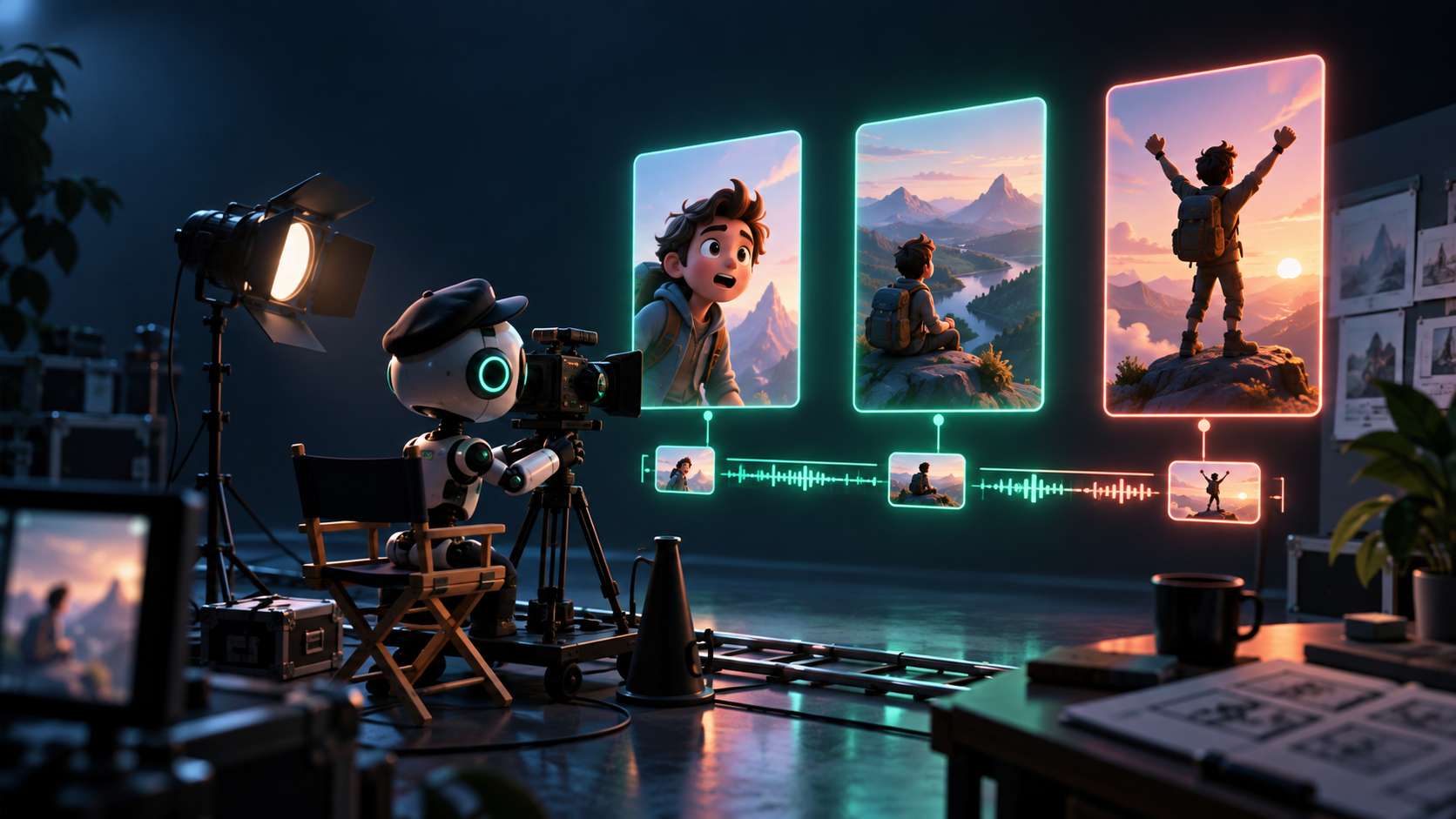
You finished Class 58 knowing how to improve a still image without changing what it means. Video adds a harder problem: time. A single image must be right once. A video must stay right across seconds, shots, motion, sound, and cuts — while a viewer decides in the first two seconds whether to keep watching.
From image to sequence
A still image asks: does this frame communicate? A video asks six more questions at once:
- Time: what happens first, next, last — and how long does each beat hold?
- Motion: what moves (subject, camera, or both), and why?
- Continuity: does the product, person, room, and light stay consistent from shot to shot?
- Sound: what is heard — narration, music, silence — and does it match what is seen?
- Pacing: does anything drag, rush, or repeat?
- Truthful connection: does each cut earn the viewer's trust, or does it fake a cause, result, or event?
A text-to-video model can render movement. It cannot decide any of the above for you. That is why this class teaches video as a sequence of decisions, not one prompt. The durable pattern is: brief → shot list → short clips → selection → edit → delivery. Every appendix in this class (59.A–59.H) reuses it.
The vocabulary, in plain terms
- Concept: the one idea the video exists to land. Not the plot — the point.
- Hook: the first 1–3 seconds. The visual plus words that earn the next ten seconds.
- Beat: one unit of meaning. A 25-second short typically has four beats: hook → proof → meaning → call to action.
- Shot: one continuous camera take. One action, one camera move, a few seconds.
- Scene: a group of shots in one place or time that belong together.
- Storyboard: rough sketches or frames showing what each shot looks like.
- Shot list: the written plan: shot number, framing, action, camera, duration, audio, constraints.
- B-roll: supporting footage that shows what the narration claims — hands, product, place, evidence.
- Continuity: everything that must not drift between shots (wardrobe, product, light, direction).
- Aspect ratio: frame shape as a publishing decision: 9:16 vertical for Reels/TikTok/Shorts, 1:1 square for feeds, 16:9 wide for lessons and YouTube.
- Edit: the assembly where clips become communication — order, cuts, captions, sound, end card.
Learn these once. Lessons 59.2–59.5 and every lab reuse them.
The smallest useful short: hook → proof → meaning → CTA
Most failed AI shorts have the same shape: an atmospheric 25-second drift with no claim and no ending. Viewers leave because nothing was promised, shown, or asked.
Use this four-beat spine for every 20–30 second video in this class:
1. Hook (0–3s): state the problem or promise, on screen and in sound. Example: "This bakery sells out by 9 AM. Here is why." 2. Proof / demo (3–15s): show something real — product, process, evidence, close-up. One visible fact beats three adjectives. 3. Meaning / benefit (15–22s): interpret the proof. Who is it for, and why should they care? 4. Call to action (22–30s): one next step. One. "Menu link in bio." "Full source in description." "Doors open at 7."
If a planned shot does not serve its beat, cut it before generating anything.
The research-story rule: metaphor + evidence + interpretation + link
The source-backed research story is where beginners most often mislead by accident. Suppose the insight is "retrieval-augmented generation reduces invented answers in one benchmark." The temptation is to generate fake lab footage, a fake scientist, a fake chart trending upward.
Do not. AI footage can illustrate an idea; it cannot become evidence that an event happened. Use this honest four-part structure instead:
- Metaphor: a visual stand-in for the idea (a card drawer with one glowing card pulled = retrieval).
- Evidence: the real artifact, shown plainly — the actual chart, quote, or number, on screen long enough to read.
- Interpretation: the narrator says what the evidence means and what it does not prove.
- Link: the source lives in the description or caption so a skeptic can check.
Anything generated gets labeled in your shot list as *illustrative*. Anything real is labeled *documentary / source material*. Lesson 59.4 makes this a formal packet.
The three running examples, as sequences
- ByeBuy Classroom campaign: a 25-second lesson trailer. Hook: the lesson question on screen. Proof: screen recording of the real workflow (documentary). Meaning: narrator states who the lesson helps. CTA: "Lesson 59.2 next." Only the title background is generated; the proof is real.
- Local business launch: a bakery's morning loaf. Hook: steam rising off a loaf (close-up). Proof: baker scoring dough, oven, shelf label with price (all real or product-accurate). Meaning: "Baked at 6 AM, sold until out." CTA: address and hours end card. No invented crowd, no fake review.
- Research story: the retrieval explainer. Hook: "Why does this chatbot invent answers?" Proof: the real benchmark chart held on screen. Meaning: narrator explains retrieval in one sentence. CTA: paper link. The card-drawer metaphor is illustrative B-roll; the chart is evidence.
Same spine. Different proof, different honesty constraints.
Exercise: write VIDEO-BRIEF.md (20–30 seconds, 3–5 shots)
Create VIDEO-BRIEF.md:
# VIDEO-BRIEF.md — [project name]

## 1. Audience & job
- Viewer:
- One message:
- Viewer action after watching:

## 2. Platform & format
- Placement: (9:16 short / 1:1 feed / 16:9 lesson)
- Duration: (20–30s)
- Sound assumption: (sound-off legible? narration? music?)

## 3. Claim & constraints
- Claims I may show:
- Claims I must NOT fake: (testimonials, results, events, product abilities)
- Sources / real assets I have:

## 4. Structure (hook → proof → meaning → CTA)
- Hook (0–3s, visual + words):
- Proof (one visible fact):
- Meaning (one sentence):
- CTA (one step):

## 5. Shot list (3–5 shots)
| # | Beat | Framing | Action | Camera | Sec | Audio | Illustrative / Documentary |
|---|------|---------|--------|--------|-----|-------|----------------------------|
| 1 | Hook |         |        |        |     |       |                            |
| 2 | Proof|         |        |        |     |       |                            |
| 3 | ...  |         |        |        |     |       |                            |
Finish line: one brief plus a 3–5 shot list another person could hand to an editor or a generation tool without a call.
Verify fast: read only the hook line aloud over the planned first frame. Would a stranger with sound off still understand the promise? If not, the hook is a mood, not a message. Common failure: writing five moods ("cinematic bakery vibes") instead of four beats with one proof shot.
Check your understanding
1. Name the six things video adds on top of a still image. 2. Recite the four-beat spine and the job of each beat. 3. Why must a research story separate metaphor, evidence, interpretation, and link? 4. Which of your planned shots are illustrative and which are documentary — and how would a viewer tell?
Next
A sequence needs shots. Next, Lesson 59.2 teaches text-to-video versus image-to-video, plain camera language, and the short-clips-select-edit pattern — so you never attempt a whole commercial in one generation.
ARTICLE DISCUSSION
JOIN THE
CONVERSATION.
Got a question, a take, or a better way to do this? Log in and leave a comment.