

September 13, 2026
TEXT-TO-VIDEO AND IMAGE-TO-VIDEO: CHOOSING THE RIGHT STARTING POINT
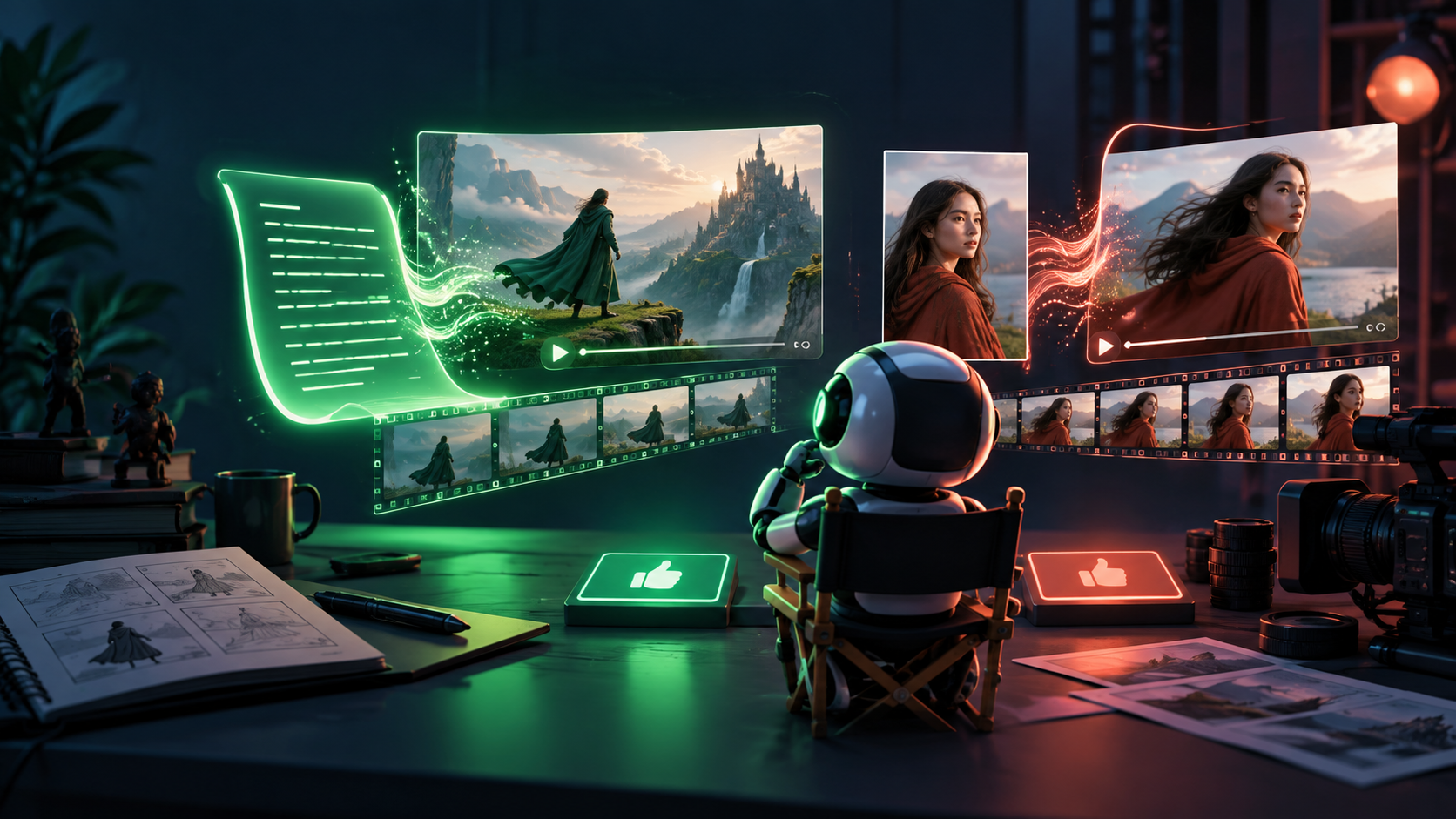
Lesson 59.1 gave you a sequence: hook → proof → meaning → CTA, planned as 3–5 shots. Now the practical question: where does each shot start — from words alone, or from a still image you control?
The two starting points
- Text-to-video: you describe the scene in words; the system invents composition, character, product, light, and motion. Best when exploring — mood tests, metaphor B-roll, backgrounds, "what could this feel like?" Weak when anything must stay exact, because every generation re-invents the details.
- Image-to-video: you supply a still — a product photo, a character sheet frame, a storyboard keyframe, an approved style frame — and direct how it moves. Best when composition, identity, or art direction must remain stable. The image pins down what the words alone cannot.
Rule of thumb: if the shot must show *your* product, *your* character, or *your* visual system, start from an image. If the shot must explore *an* atmosphere, *a* metaphor, or *a* background nobody will fact-check, text is a fast sketchpad.
Most real shorts use both. A bakery trailer might open with a text-generated steam-and-light mood shot (illustrative), then cut to image-to-video of the actual loaf (documentary-anchored), then close on a designed end-card background.
Camera language in plain terms
You do not need film school. You need ten phrases every tool understands, approximately:
- Wide shot: the whole place. Establishes where we are. ("Wide bakery interior, morning.")
- Medium shot: a person or object from roughly the waist up, or a product with context. The workhorse.
- Close-up: one detail fills the frame — scoring blade on dough, price label, chart number. Proof lives here.
- Locked camera: the camera does not move; only the subject moves. Most stable, most editable, fewest artifacts. Default to this unless motion earns its place.
- Push-in (dolly/zoom-in): camera moves slowly toward the subject. Adds emphasis. Use for reveals.
- Pan: camera turns left or right from one point. Shows a shelf, a room, a before-after.
- Tilt: camera turns up or down. Shows height — oven stack, storefront sign.
- Tracking shot: camera follows alongside a moving subject. Hardest to keep clean in generation; keep it short or skip it.
- Depth: foreground, middle, background layers that make a flat generation feel spatial. Ask for it explicitly ("flour sacks in soft foreground blur, baker mid-ground, ovens behind").
- Pace: how fast things move and how long the shot holds. Short-form rule: one action per shot, 2–5 seconds each, no compound acrobatics.
Direct one camera move per shot. "Slow push-in on the loaf, locked otherwise" beats "drone swoops around the bakery while the baker dances."
The pattern that actually works: short clips, select, edit
Beginners fail the same way: they ask one system for "a 30-second commercial about my shop" and get an uneditable drift — morphing labels, melting hands, a story that says nothing.
The professional pattern, on every platform in this class:
1. Make short clips. Generate 2–8 second options per shot, several candidates each. 2. Generate options. Change one variable at a time (camera, action, light) — never everything. 3. Select the best. Judge by the beat's job, not beauty alone. Does the proof shot actually show the fact? 4. Edit them together. Meaning is made in the timeline (Lesson 59.5), not in the prompt box.
A finished short is rarely "a generation." It is three to five selected generations plus real assets, cut with intent.
Motion prompt anatomy: six slots
Every shot direction should fill these slots before you generate:
SUBJECT + ACTION + ENVIRONMENT + CAMERA + DURATION/PACE + CONSTRAINTSExample — bakery proof shot:
Example — research metaphor shot:
Notice the constraints carry the honesty rule from 59.1: the metaphor shot is forbidden from rendering fake data.
Copy-paste starters (use these verbatim, then vary one thing)
1. Text mood shot (explore): "Slow drifting morning fog over empty wooden market stalls, soft blue hour light, locked wide shot, gentle natural motion, 5 seconds, calm pace. Constraints: no people, no text, abstract mood only — illustrative, not evidence."
2. Product shot from your photo (image-to-video): Attach a clean front photo of the product. "Locked close-up of this exact product on a wooden counter, morning window light from the left, gentle steam rising, 5 seconds, slow natural motion. Constraints: keep shape, color, and label position exact; no text; no extra hands; no camera drift."
3. Face-reference presenter (image-to-video + permission): Attach an approved portrait of yourself (or a consented team member — never a real customer, stranger, or celebrity without written permission). "Medium shot of this same person at a wooden counter, slight head turn toward camera, warm morning light, locked camera with shallow depth, 5 seconds, calm. Constraints: keep face, hairstyle, and clothing exact; no other people; no text." Log whose face it is and the permission in your continuity file — Lesson 60.3's likeness rule applies from the first generation.
Generate each at 5 seconds first. Only extend a winner to 10–15 seconds once the 5-second version holds composition and identity.
The stitch rule: 5–10 second chunks, never a film in one go
No tool in this class reliably makes a finished 30-second story in a single generation. The working rule: generate 5–10 second chunks, select winners, stitch them in a timeline. Three selected 5-second shots plus a real end card beats one 20-second drift that cannot be cut, captioned, or trusted. Longer videos are assemblies — Lesson 59.5/59-H teaches the joinery — not longer prompts.
Two cost facts before you batch: video costs money per generated second (credits vary by tool, resolution, and length — check the current pricing page and write it on your 59.A test card first), and retries are the real bill (3 candidates × 3 shots × re-tries adds up fast). Budget the test (e.g. "9 generations max for this shot"), log every attempt with cost, and stop batching when the test card says stop.
Let AI do the tedious joining: once selects exist, use the editor's AI pass for transcript-based rough cut, silence removal, caption drafts (hand-corrected), and suggested B-roll gaps — then *you* decide pacing, meaning, and what ships. That division (AI assembles, human directs) is how 5-second chunks become a 30-second video without an afternoon of manual slicing.
Exercise: build a three-shot folder + order sheet
Using your 59.1 brief, produce exactly three shots:
1. Establishing shot (wide or medium, text or image start — your choice, justified in one line). 2. Proof / product detail (close-up, image-to-video from a real or approved still whenever the product or evidence matters). 3. End-card background (simple, dark or clean, with empty space for the CTA text you will add in the edit — never burn text into the generation if you can overlay it crisply later).
For each shot, save 2–3 candidates, pick one winner, and label files shot-01-est_v2-WINNER.mp4 style. Then write EDIT-ORDER.md: shot order, seconds per shot, what the viewer hears, and which shots are illustrative versus documentary.
Score each winner 1–5 on continuity (does it match the brief's look?) and legibility (readable on a phone with sound off?). Anything below 3 gets a constrained re-generation, not a new random idea.
Finish line: a folder of selected clips labeled by shot number plus a one-page edit-order sheet.
Verify fast: play the three winners back-to-back with sound off. Can a stranger name the promise, the proof, and the next step? If not, the problem is the plan, not the model. Common failure: one "amazing" 20-second single generation that cannot be cut, captioned, or trusted — versus three boring, editable, honest shots.
Check your understanding
1. When do you start from text, and when from an image? Give one example of each from your project. 2. Translate "make it cinematic" into one framing choice plus one camera move. 3. Why is a locked camera the safest default for product and proof shots? 4. What do the six slots of motion anatomy prevent you from forgetting?
Next
You can plan shots and move a camera on paper. Next, Lesson 59.3 surveys the global video-generation field — Higgsfield, Seedance, Kling, Runway, Veo/Flow, Sora, and the rest — and gives you a job-based shootout so you pick an environment for your next production, not by hype.
ARTICLE DISCUSSION
JOIN THE
CONVERSATION.
Got a question, a take, or a better way to do this? Log in and leave a comment.