

September 13, 2026
SHORT-FORM EDITING LAB: TURN GENERATED CLIPS INTO A FINISHED REEL
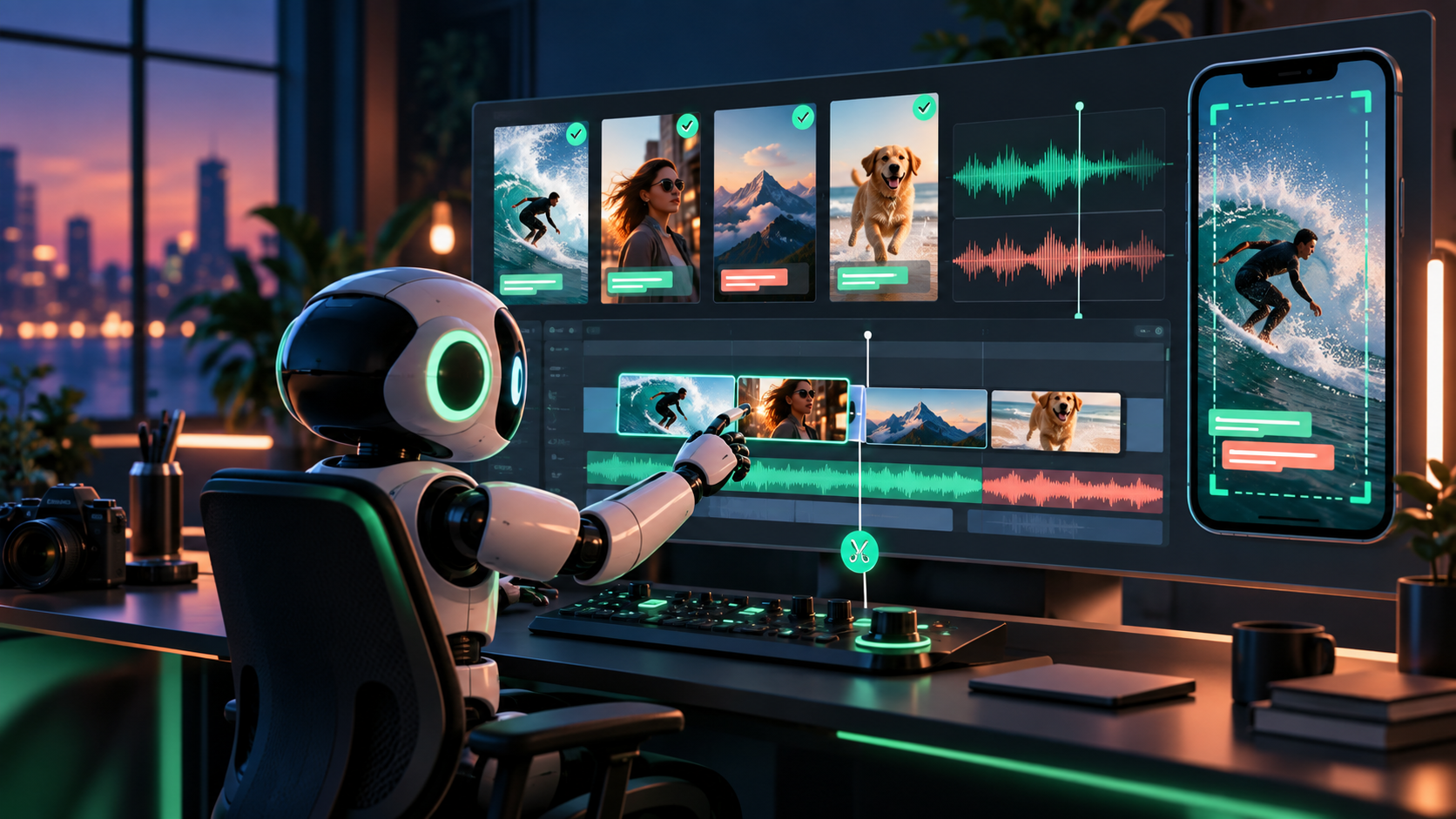
This lab teaches the editor as a craft surface — not a footage generator. Use CapCut, DaVinci Resolve, Final Cut, Premiere Pro, the current creator-platform editor, or another timeline; the steps are durable across tools.
Workshop path
1. Ingest and label. Import selects plus real assets. Name everything (shot-01-hook-WINNER.mp4); mark illustrative versus documentary per 59.4. 2. Choose the first frame. It must promise something with sound off. No slow fade into mood. 3. Assemble hook → problem/proof → close. Hard cuts on meaning; trim every handle and dead second. Target 15–30 seconds. 4. Cut dead time; add narration/music. Voice or on-screen text first, bed low under words. Optional J-cut: next line starts half a second before the proof shot. 5. Generate then correct captions. Fix names, numbers, prices, claims; break lines by sense (3–6 words); retime to the mouth; style for phone legibility. 6. Add copy and end card. Readable on-screen text, one CTA held a full beat, everything clear of platform safe areas. 7. Thumbnail, export, phone check. Honest thumbnail readable at stamp size; clean master plus compressed platform version(s); watch muted, then with sound, on a real phone.
AI-assisted editing, reviewed
Use these accelerators — then review every decision for pacing, meaning, and brand fit:
- Transcript-based rough cuts and silence removal (re-listen; tools cut breath and meaning alike).
- Caption drafts (correct by hand; Lesson 59.5 rules apply).
- Background cleanup and audio repair (check for artifacts on phone speakers).
- Language versions (fluent reviewer checks names, tone, claims).
- B-roll suggestions and simple reframing for 9:16 / 1:1 / 16:9 (recheck safe areas after every reframe; never blind auto-crop).
Deliverables checklist
- 15–30s vertical master + platform variant(s) (square/wide where briefed).
captions.srt+ plain transcript; publishing copy (title, description, CTA, source links).- Honest thumbnail + end card; editable project/timeline with labeled sources.
Safe-area and thumbnail discipline
Platform chrome eats edges: keep faces, product labels, captions, and the CTA inside the central safe zone, rechecking after every reframe or platform duplicate. Build the thumbnail from a real frame (proof detail, product, or face) with at most five honest words — no shocked expression that never appears, no result the video does not show. Export a compressed platform version alongside the clean master; watch both on a phone, because compression punishes small text and busy backgrounds first. Log the editor name and version, export settings, and file sizes so the next publish is a repeat, not a rediscovery.
Troubleshooting the timeline
| Symptom | Fix |
|---|---|
| Edit feels slow | Cut one second per shot; move the proof earlier; kill the second setup shot |
| Captions lag the mouth | Re-time to waveforms/words, not to shot boundaries; shorten lines to one idea |
| Music drowns narration | Drop bed 6–10 dB under speech; carve space rather than raising volume |
| Reframe crops the product | Reposition per placement manually; recheck safe areas on device before shipping |
Verify fast
Two passes on a phone: muted — promise, proof, next step legible, captions clean, nothing under UI? With sound — narration matches picture, music never covers a word? If any check fails, fix in the timeline, not in the generator. File the project so a collaborator could reopen and publish safely.
ARTICLE DISCUSSION
JOIN THE
CONVERSATION.
Got a question, a take, or a better way to do this? Log in and leave a comment.