

September 13, 2026
EDIT FOR CLARITY: CAPTIONS, SOUND, PACE, AND DELIVERY
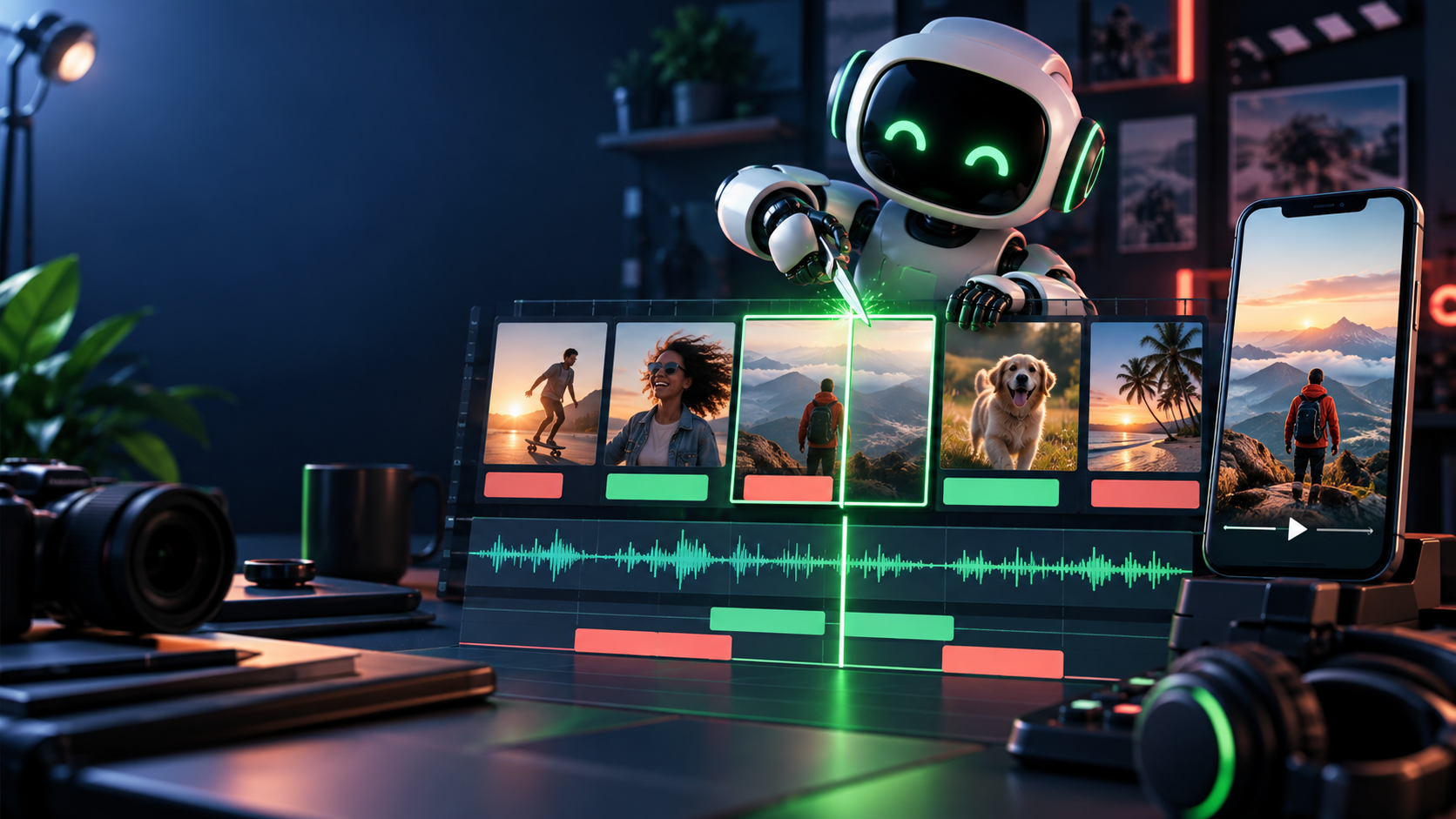
Generation makes raw footage. Editing makes the message. A timeline with three honest shots, clean captions, and one clear ending will outperform ten gorgeous uncut generations every time.
Editing terms, simply
- Timeline: tracks for video, audio/narration, music, and text stacked in order. Everything you decide lives here.
- Cut: where one shot ends and the next begins. Cut on meaning (new beat), not on decoration.
- Pacing: how long each shot holds. Short-form rule: hook 1–3s, proof beats 3–6s each, CTA 2–4s. If a shot can lose a second without losing meaning, lose it.
- J-cut / L-cut: the audio of the next shot starts early (J) or the old audio lingers over the new picture (L). Plain use: let the narrator's next line begin half a second before the proof shot appears — the ear pulls the eye forward.
- Caption: burned-in or sidecar words viewers read. Different from subtitles only in intent: captions here carry meaning for sound-off viewers.
- End card: the final 2–4 seconds. One visual, one CTA, no new information.
- Safe area: the frame minus platform chrome. Keep faces, product, and text clear of the top/bottom UI bands and side buttons — check Appendix 59.H diagrams per platform.
- Export: the rendered file. You keep a clean master (high quality, archive) and make compressed platform versions per placement.
Captions: edited, not blindly accepted
Most short-form viewing starts with sound off. Captions are therefore a primary channel, not an accessory — and auto-transcription always needs an edit pass:
1. Generate the draft (tool captions, CapCut/Premiere/Resolve auto-transcribe, or any current surface). 2. Fix names, numbers, prices, and claims first — a wrong price in captions is a false ad. 3. Break lines for sense, not for the algorithm: one idea per card, 3–6 words per line, held long enough to read aloud. 4. Time each card to the word actually spoken; captions that lag the mouth destroy trust. 5. Style for legibility: high-contrast, large enough on a phone, never under platform UI, never over the product's label.
A captioned rough cut that reads cleanly muted is the minimum publishable bar in this class.
Sound and pace: small moves, large effect
- Narration or on-screen text first. Record or write the hook line before finalizing cuts; the ear sets the rhythm the pictures must match.
- Music as bed, not lead. Licensed or generated bed low enough that every word survives a phone speaker. If music makes you strain, it is too loud.
- Cut dead time ruthlessly. Trim handles, pauses, model wobble at clip heads/tails, repeated gestures. A 26-second assembly usually wants to be 20.
- One transition grammar. Hard cuts between beats; at most one dissolve or whip where time or place changes. Transitions never rescue weak shots.
- End on the CTA, held. Freeze or hold the end card a full beat. Viewers need time to read the one next step.
Deliverables: the package, not the file
A finished video is a folder, not an .mp4:
- Placements: 9:16 vertical master, 1:1 square feed version, 16:9 wide version where the brief needs it. Reframe deliberately (subject centered, safe areas rechecked) — never blind auto-crop.
- Files: clean master (high bitrate, archive), compressed social version(s), thumbnail (readable at stamp size, honest — no fake expression or invented claim), caption/transcript file (
.srtor plain text), title + description + link/CTA copy, source-link note when claims require it. - Thumbnail and copy rules: the thumbnail restates the hook visually (face, product, or proof detail at stamp size) without inventing a reaction or result; the title restates the promise in words; the description carries the CTA link plus any source required by the claim. A viewer who never presses play should still meet an honest promise, and a viewer who finishes should know exactly where to go next.
VIDEO-DELIVERY/
  master-9x16.mp4
  social-9x16-compressed.mp4
  square-1x1.mp4 (if needed)
  wide-16x9.mp4 (if needed)
  thumbnail.jpg
  captions.srt
  transcript.txt
  publishing-copy.md (title, description, CTA, source links)
  timeline-or-project/ (editable project + shot sources)
Exercise: the 20-second rough cut → VIDEO-DELIVERY/
Take your three selected clips (59.2) with continuity labels (59.4):
1. Assemble hook → proof → CTA on a timeline in any editor (CapCut, Premiere, Resolve, Final Cut, or the creator-platform editor in 59.H). 2. Add the spoken or written hook in the first 2 seconds, on screen and in audio. 3. Generate captions, then correct every word and timing by hand. 4. Add the one-line CTA end card; keep it clear of safe-area UI. 5. Export the master, make the platform version, watch it on a phone with sound off, then with sound on — fix what fails either pass.
Finish line: VIDEO-DELIVERY/ containing master, platform export, thumbnail, caption transcript, and publishing copy — plus the editable timeline a collaborator could reopen.
Verify fast: the phone test. Muted: promise, proof, next step all legible? With sound: narration matches the visible proof, captions match the narration, music never covers a word? If any answer is no, the edit is not done. Common failure: exporting from the generation tool directly to social with auto-captions unreviewed and the CTA buried under platform buttons.
Check your understanding
1. What is the difference between a master and a platform export? 2. Why must captions be edited for sense and timing rather than accepted from transcription? 3. Where does a J-cut help a hook → proof transition? 4. What belongs in VIDEO-DELIVERY/ beyond the video file, and why does each piece exist?
Next
You now own the durable spine: brief → shots → tool choice → continuity → edit → delivery. The eight appendices turn that spine into tool-specific labs — starting with 59.A's shared test bench, then Higgsfield, Seedance, Kling, Flow/Veo, Runway, Sora, and the short-form editing lab. Work the bench first; let your own scores choose your lab order.
ARTICLE DISCUSSION
JOIN THE
CONVERSATION.
Got a question, a take, or a better way to do this? Log in and leave a comment.